Ink Compatibility · 10 November 2026
Can You Mix DTF, UV, Eco-Solvent and Sublimation Inks? How to Check Printer Compatibility
Ink types are formulated for different printing processes. Learn what to confirm before changing ink, topping up a tank or ordering a replacement bottle for your printer.
Short answer: do not mix them unless the printer and ink suppliers explicitly approve it
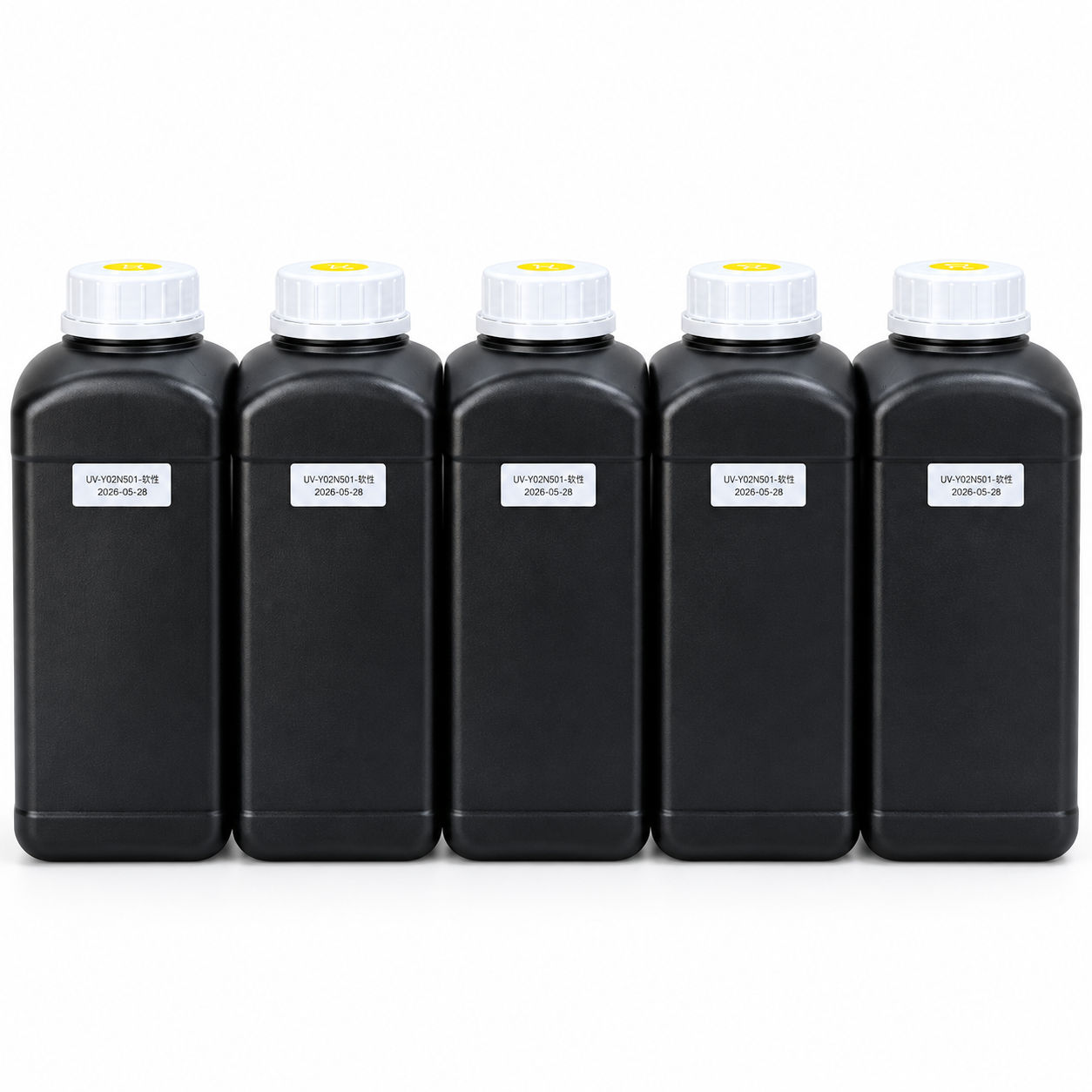
DTF, UV, eco-solvent and dye-sublimation inks are designed for different print processes. The names describe more than colour: the formulations and the way the ink is used in the machine and on the final material differ. A bottle that fits the tank or has a similar colour label is not proof that it is compatible.
Mixing an unapproved ink into a tank can affect print performance and may create cleaning or service problems. The exact risks depend on the printer, printhead, ink path and the products involved. Avoid topping up with a different formulation or switching an ink set based only on a supplier description or online tip.
Why the ink type matters
DTF ink
DTF workflows print onto transfer film and use a compatible adhesive and transfer process. The printer, ink, film and powder need to work together.
UV ink
UV printing uses a curing system designed for the UV ink and print surface. Confirm the ink type against the printer model, printhead and curing setup.
Eco-solvent ink
Eco-solvent systems use inks made for compatible printers and media. When replacing ink, match the current formulation and printer requirements; do not assume two “solvent” products are interchangeable.
Sublimation ink
Sublimation ink is used in a transfer process for compatible substrates. It is a different workflow from printing DTF transfers, even when both jobs may ultimately decorate fabric.
Before you order replacement ink
Record the exact printer make and model.
Identify the printhead model and the ink currently in the machine. Photograph the bottle or label if you are unsure.
Ask the printer manufacturer, ink supplier or qualified technician to confirm the replacement formulation.
If changing ink systems, get the approved conversion and flushing procedure before starting. Some transitions require a machine-specific service process.
Confirm compatible media and any profile or maintenance requirements for the replacement ink.
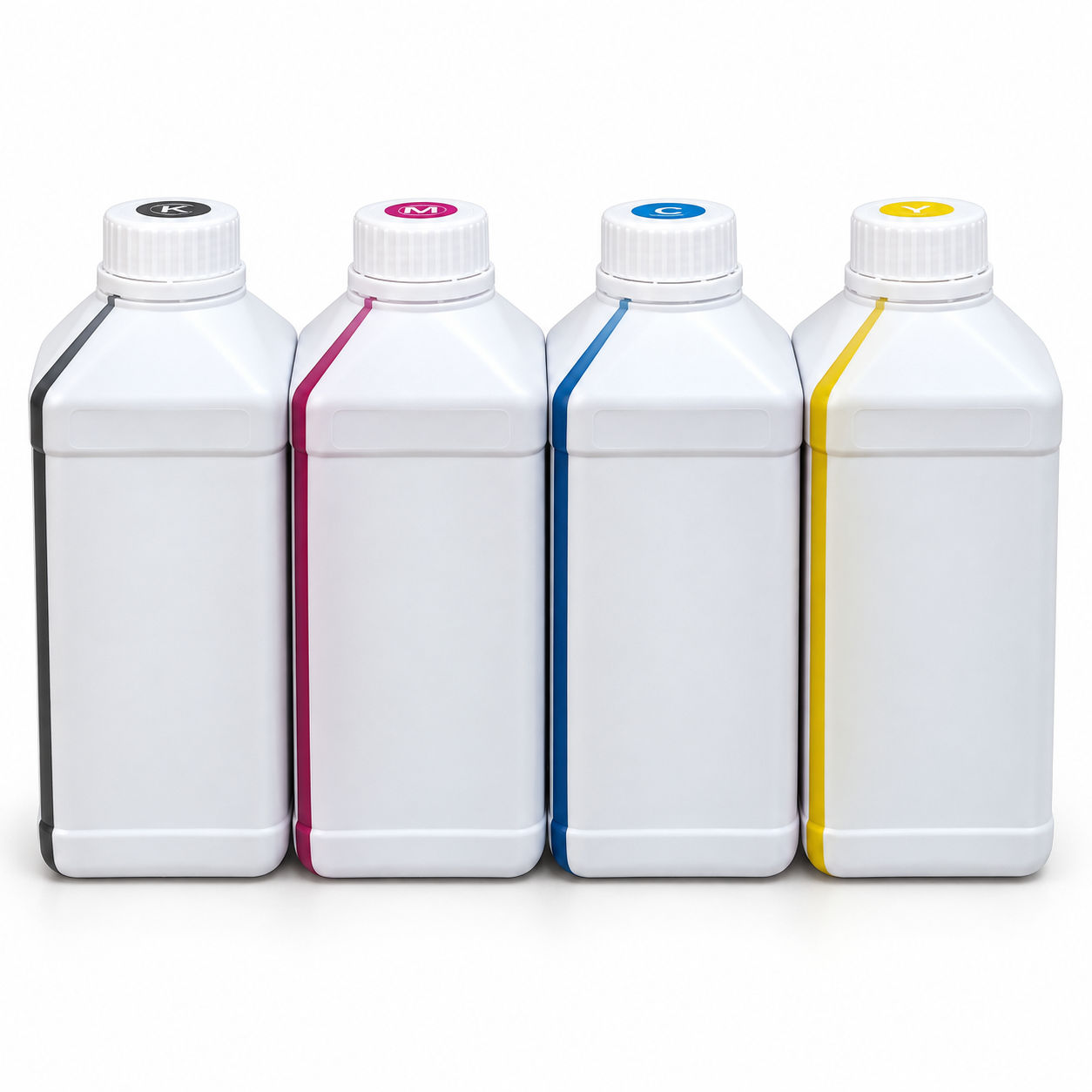
If the existing ink is unknown, pause before pouring in a new product. A clear photo of the printer model plate and ink label can help a supplier investigate compatibility. Do not rely on colour alone to identify ink chemistry.
Need help matching an ink?
Share your printer and printhead model, the current ink label and the type of work you produce. Hatai Print Depot carries specialty printing inks and can help you confirm the details to check before ordering. Final compatibility should be verified for your specific machine and ink system.