
Printer Parts · 10 November 2026
Ordering Printer Spare Parts: How to Identify the Right Damper, Tube or Power Supply
A part that looks similar may not fit your printer. Prepare the model, part number, measurements and clear photos before asking for a damper, ink tube, pump or power supply.
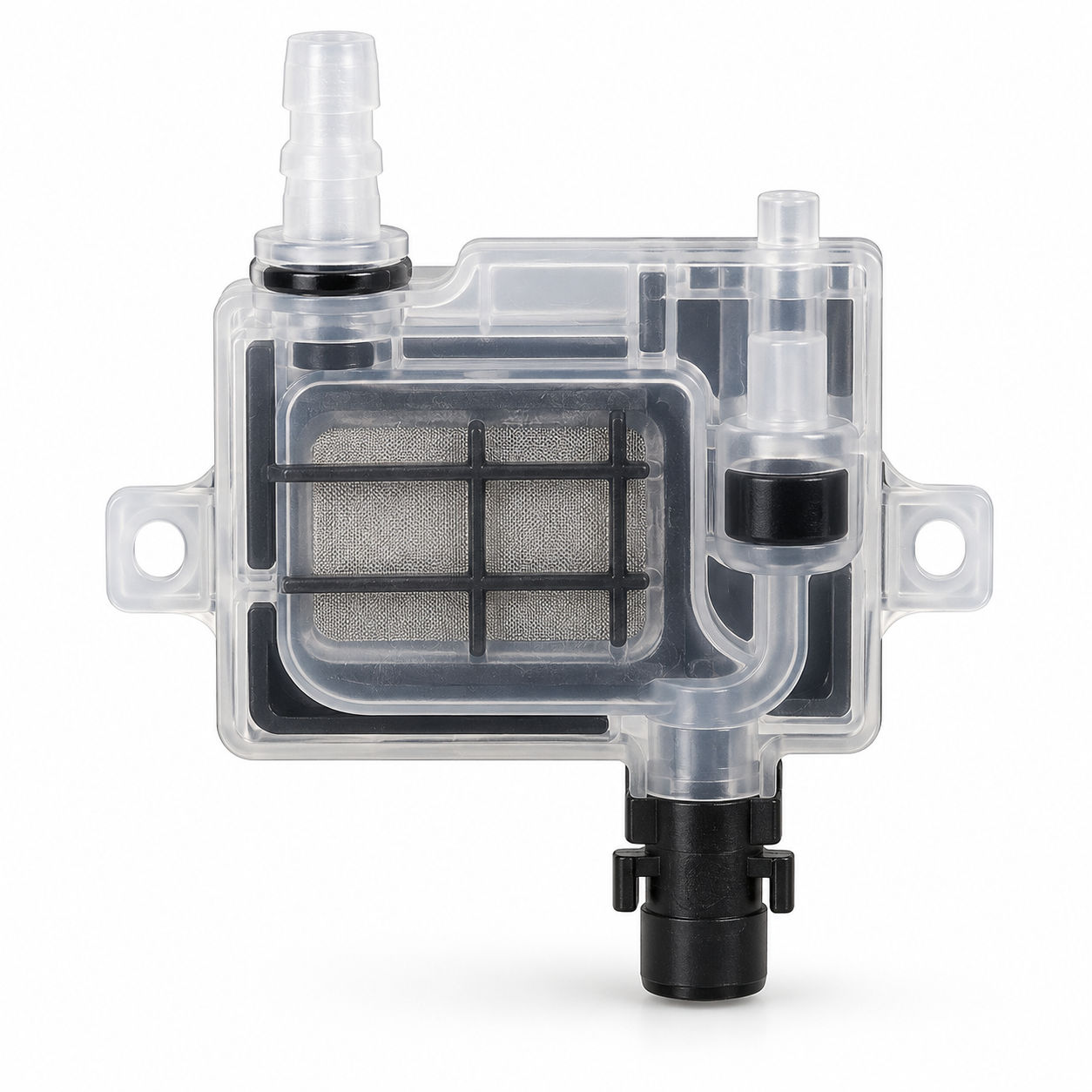
Match the part to the machine, not just its appearance
Printer parts can look nearly identical while differing in dimensions, connectors, electrical ratings or the printer generations they support. “Universal” in a listing may still have conditions. Before ordering, identify the exact printer make and model and, where relevant, the printhead model. A part that fits one configuration may not fit another.
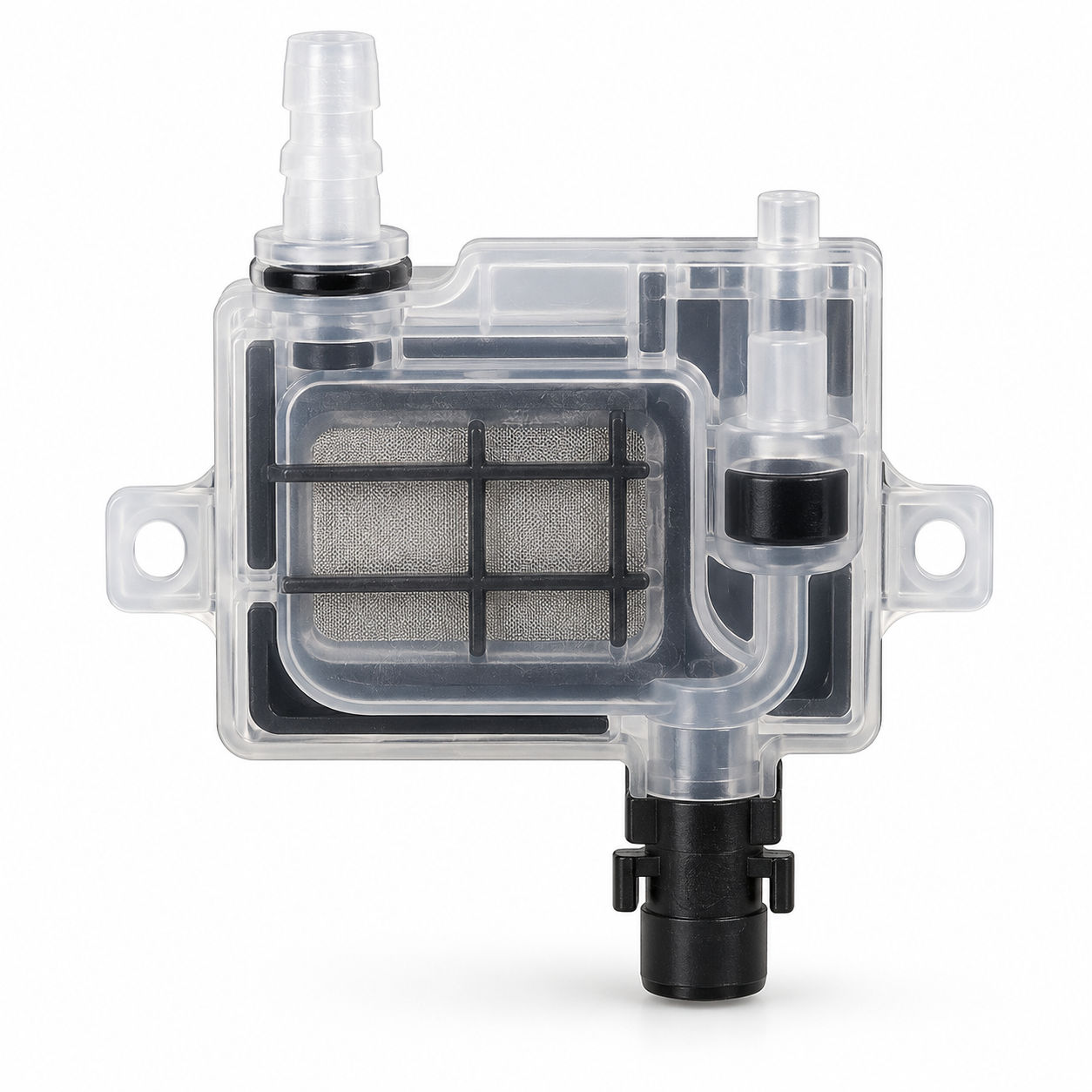
Gather these details before you contact a supplier
**Printer make and full model.** Photograph the product label or model plate so the characters are legible.
**Part number or markings.** Include any code printed on the old part, cable or packaging. Do not assume an online photo is the same revision.
**Clear photos.** Photograph the part from several angles beside a ruler, and include connector ends, mounting points and labels. Keep the machine unplugged where appropriate and do not open electrical assemblies unless qualified.
**Measurements.** For tubing, provide the required length and the inner and outer diameters if you can measure them accurately. For dampers, note inlet and outlet sizes and the shape of the fittings.
**Electrical ratings.** For a power supply, share a clear image of its rating label, input/output voltage and current, polarity, connector type and mounting arrangement. Have a qualified technician confirm electrical replacements.
Be especially careful with electrical parts
Voltage, current capacity, polarity, pinout and connector shape all matter. A connector that physically plugs in does not prove the replacement is electrically suitable. Ask a qualified technician to confirm the specification against the printer before installing a power supply, sensor, cable or other electrical component. Follow the equipment service manual and disconnect power as directed.
Keep the old part until the replacement is confirmed
If the part has been removed by a technician, keep it and its labels until the replacement arrives and has been checked. Compare mounting points and connectors before installation, and ask the supplier if any detail differs. Avoid discarding packaging or the model information until the printer is operating correctly.
Make the enquiry easy to answer
Send one message with the printer model, the part name, any visible code, measurements and photos. Mention the symptom only as context; it does not establish which component has failed. Hatai Print Depot lists printer parts and accessories. The team can help check the product details, while diagnosis and installation should follow the printer maker’s instructions or a qualified technician’s advice.