
Printer Maintenance · 10 November 2026
Why Is DTF Ink Not Flowing? Checks for Ink Lines, Dampers and Compatibility
When a DTF printer shows missing colour or weak ink flow, start with safe, basic checks and the printer manual. Avoid repeated cleaning cycles or replacing parts before the cause is clear.
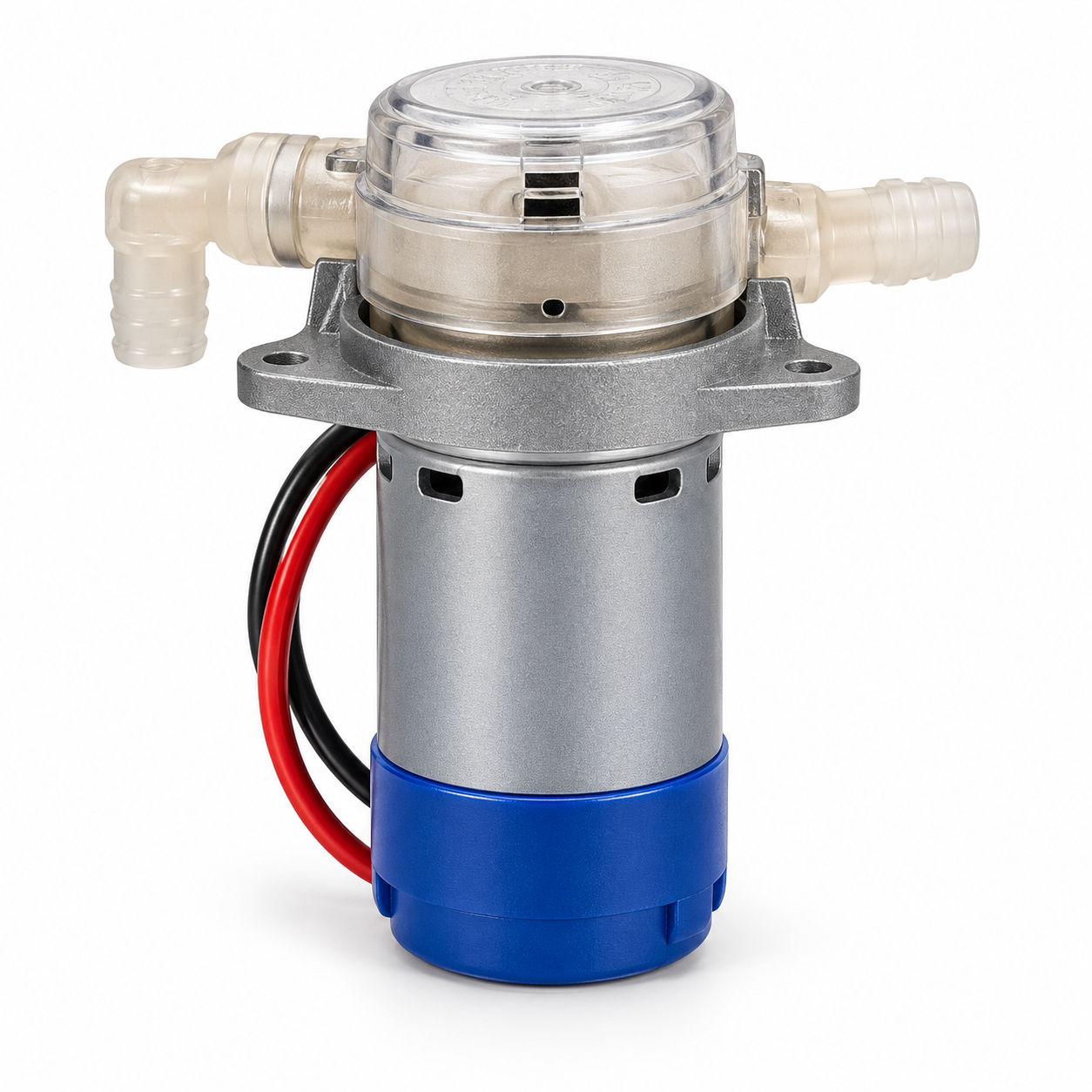
Pause before running repeated cleaning cycles
Missing colour, a weak nozzle check or interrupted ink flow can have several causes. Repeating powerful cleaning cycles without understanding the problem may waste ink and can make troubleshooting harder. Start with the printer’s own operating and maintenance instructions. If you see a leak, unusual noise or an electrical warning, stop the machine and contact a qualified technician.
Make the safe, visible checks first
Confirm the correct ink is installed for this printer and that the bottle or tank is not empty.
Check the display for an error message and follow the manual’s instructions for that message.
Look for an obvious kink, disconnected line or leak without pulling on tubing or opening sealed components.
Check whether the printer’s documented circulation or white-ink maintenance routine is due. Use only the procedure specified for your model.
Run a nozzle check only as directed by the manufacturer and save the result for the technician if the problem continues.
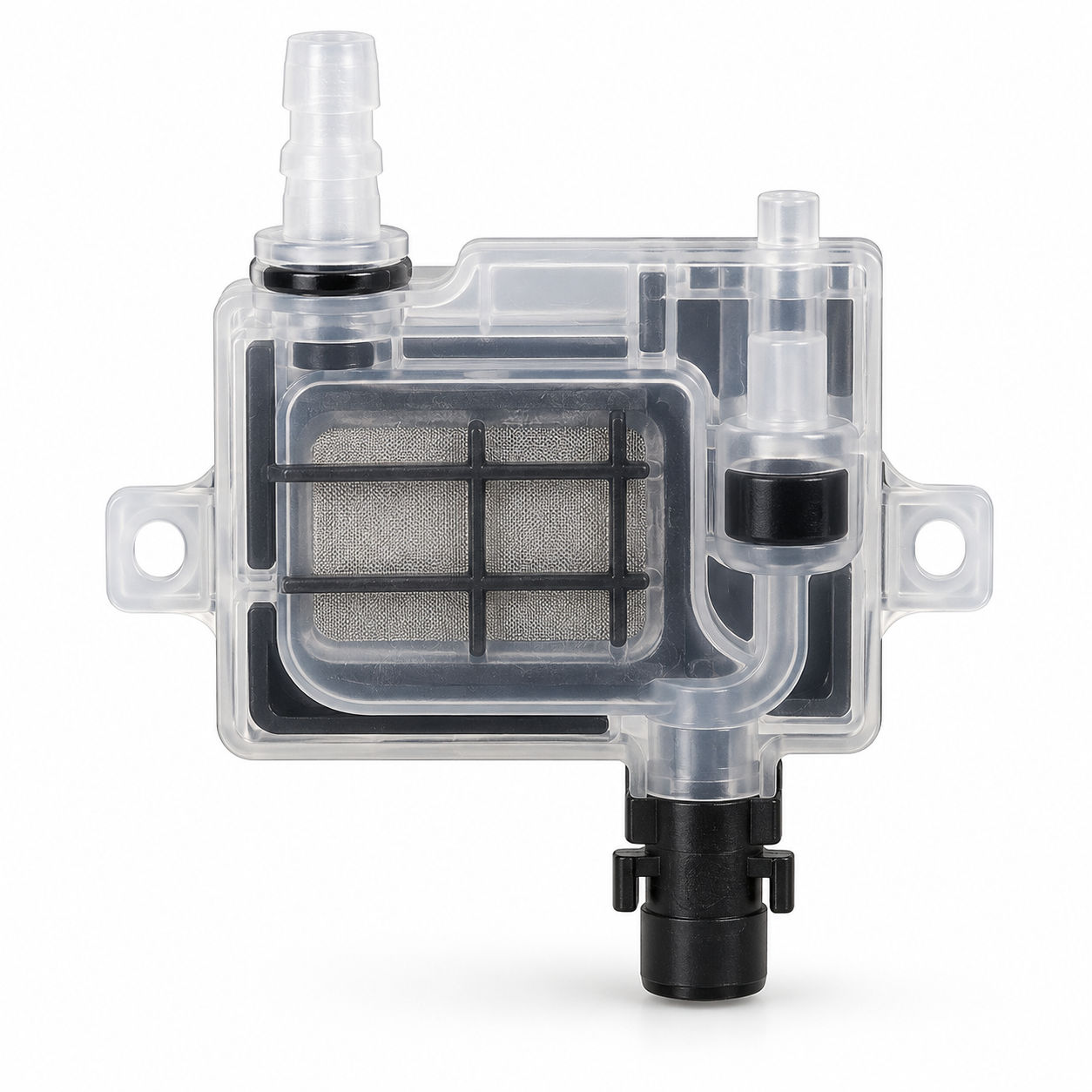
What dampers and ink lines do
Dampers and tubing are parts of the ink delivery system, but a visible symptom does not prove that either part has failed. Air in a line, a blockage, an incorrect ink, a maintenance issue or another machine fault can produce similar symptoms. The right diagnosis depends on the printer design and its service guidance.
Do not remove a damper, force ink through a line or use an unapproved cleaning fluid as a diagnostic shortcut. Printheads and ink paths can be damaged by incorrect procedures. A technician can determine whether a part needs cleaning, replacement or a different repair.
Give the technician useful information
Send the printer make and model, printhead model if known, a photo of the ink label, the affected channel or colour, and a clear nozzle-check image. Note when the issue started and any recent changes, such as a new ink bottle, long period without printing or maintenance action. This history can narrow the checks without guessing at a replacement.
When to get help
If the issue persists after the basic steps in your manual, stop troubleshooting and ask a qualified printer technician. If a replacement damper, line, pump or filter is recommended, confirm the exact model and connector details before ordering. Hatai Print Depot supplies printer parts and maintenance items; send the machine details and photos so the team can help check the part listing.